2. Core Concepts
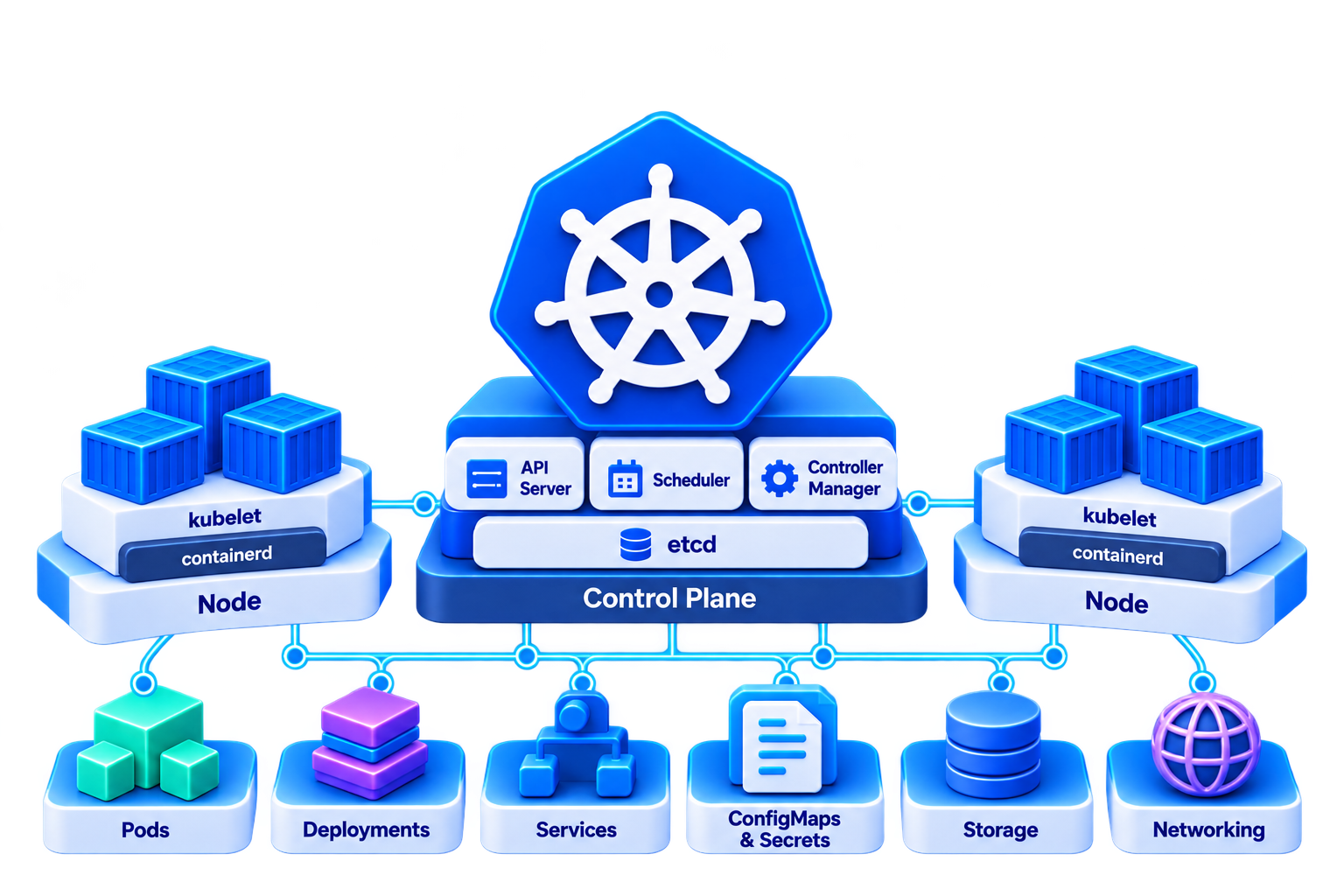
This chapter covers the building blocks of Kubernetes, from the components of a cluster to running, exposing and configuring your applications.
What You Learn
By the end of this chapter, you can:
- name the components of a Kubernetes cluster and find them in your own cluster
- create and inspect resources with
kubectl, both imperatively and with YAML manifests - run applications as a Pod, Deployment, DaemonSet, StatefulSet, Job or CronJob
- make applications reachable with a Service, inside the cluster and from your machine
- configure applications with a ConfigMap and a Secret and store their data with a PersistentVolumeClaim
- find out why a workload doesn’t run and fix it
- make workloads robust with probes and resource limits, and scale them automatically
Sections
| Section | In the lab |
|---|---|
| 2.1. Kubernetes Architecture | Create your cluster and explore its components |
| 2.2. kubectl and Manifests | Work with contexts, the API and YAML manifests |
| 2.3. Pods | Run Pods with init and sidecar containers, labels and namespaces |
| 2.4. Deployments | Scale, update and roll back an application |
| 2.5. Beyond Deployments | Run DaemonSets, StatefulSets, Jobs and CronJobs |
| 2.6. Services and Networking | Reach apps via DNS, port forwarding and NodePort; blue/green |
| 2.7. Configuration | Configure an application with ConfigMaps and Secrets |
| 2.8. Storage | Keep data with volumes and PersistentVolumeClaims |
| 2.9. Health and Resources | Add probes, set requests and limits, autoscale under load |
| 2.10. Troubleshooting | Debug failing workloads with events, logs, top and exec |
How the Labs Work
- Each section starts with the theory in the presentation. The lab then puts it into practice.
- In 2.1, you create a local k3s cluster with k3d. You use this cluster for all labs.
- The cluster runs without an Ingress controller and without a load balancer. You reach your applications with port forwarding or a NodePort.
- Each lab ends with optional tasks. If you finish early, go ahead with them. The following labs don’t depend on them.
Prerequisites
All tools from 1. Setup must be installed and verified.