3. Fullstack App
In this chapter, you build your own application and run it on Kubernetes, using everything you learned in chapter 2.
What You Build
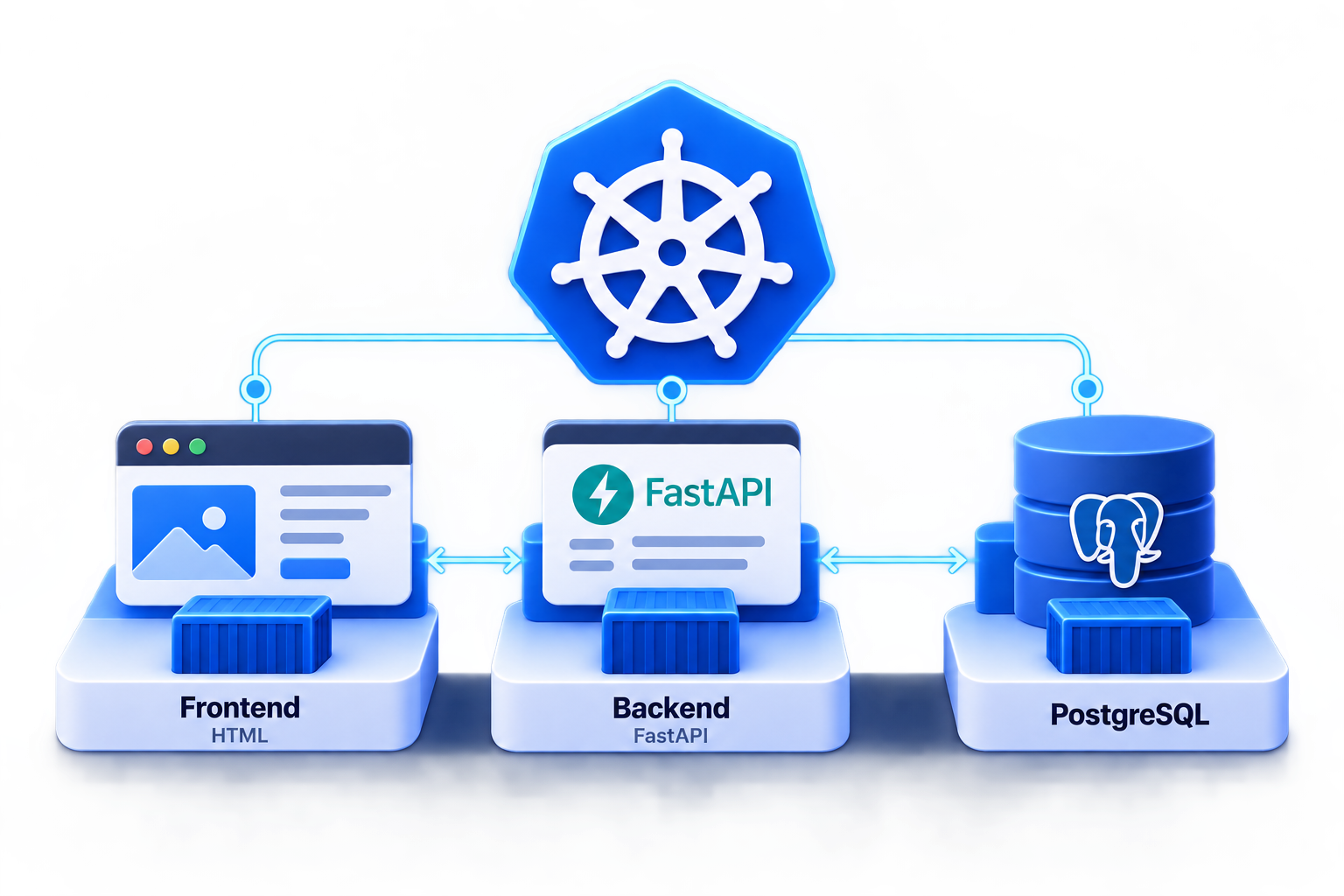
A small message board: you type a message in your browser, the application stores it, and the page lists all messages, the newest first. It consists of three containers:
| Container | Technology | Job |
|---|---|---|
| Frontend | HTML and JavaScript, nginx | Serves the web page and forwards the requests of the page to the backend |
| Backend | Python with FastAPI | Provides the REST endpoints to read and store messages |
| Database | PostgreSQL | Stores the messages |
A new message takes this way:
Your browser only talks to the frontend. The frontend passes every request to /api on to the backend, and only the
backend talks to the database.
What You Use from Chapter 2
| Building block | From | Used for |
|---|---|---|
| Deployment | 2.4 | Runs the frontend and the backend |
| StatefulSet | 2.5 | Runs PostgreSQL with its own storage |
| Service | 2.6 | Lets the containers find each other by name |
| Secret | 2.7 | Holds the password of the database |
| PersistentVolumeClaim | 2.8 | Keeps the messages when the database restarts |
| Probes | 2.9 | Tell Kubernetes when the backend is ready |
How the Lab Works
- You get the complete source code of the frontend and the backend. You don’t need to know Python or JavaScript: the lab is about running the application, not about writing it.
- You build the container images with Docker on your machine and import them into your cluster. No registry is needed.
- You write all Kubernetes manifests yourself, step by step.
Prerequisites
Your cluster from 2.1 runs, and you completed chapter 2.