4. Helm
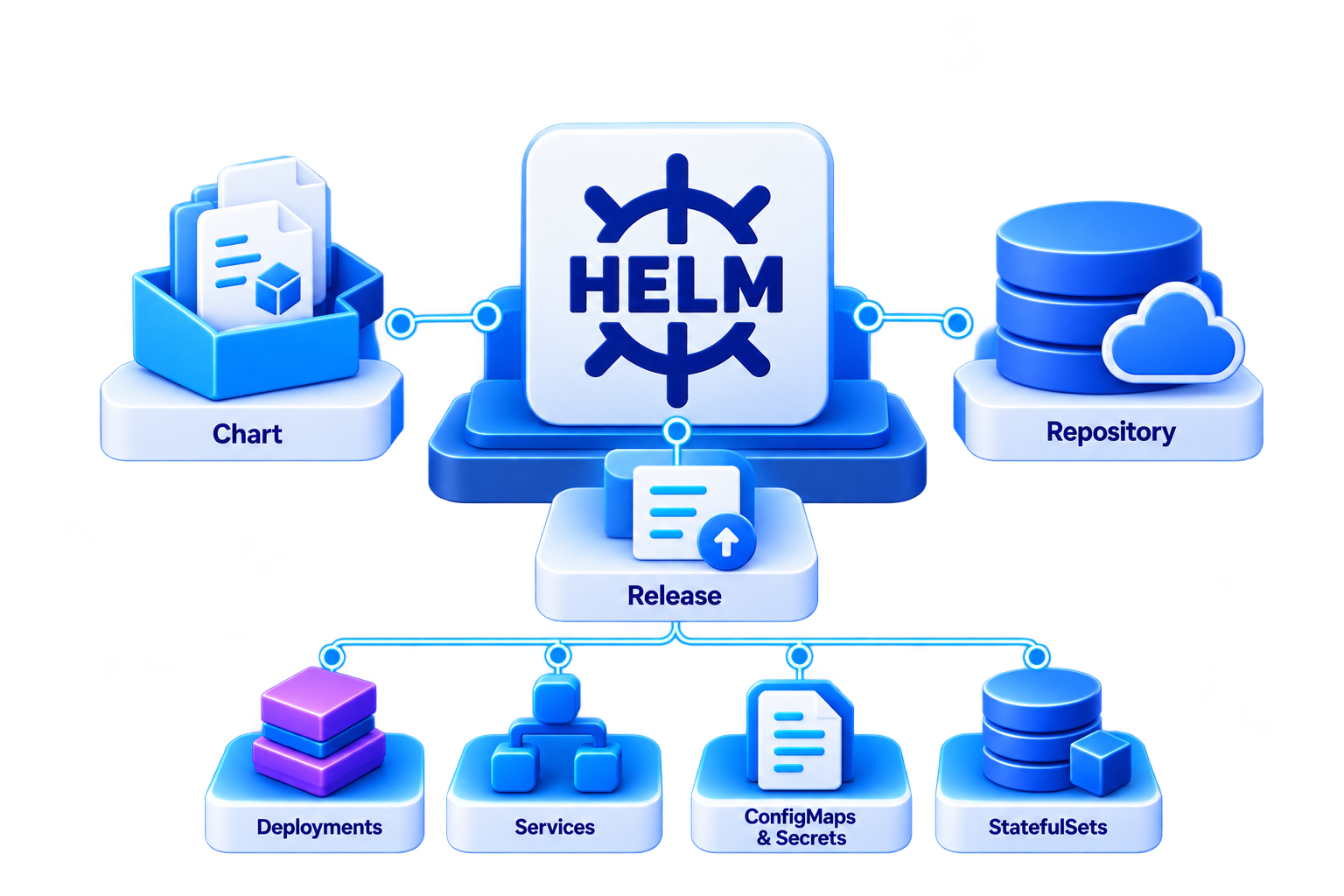
So far, you wrote every manifest yourself and applied it with kubectl. In this chapter, you use Helm, the package
manager of Kubernetes: you install ready-made applications from charts and package your message board as a chart of
its own.
What You Learn
By the end of this chapter, you can:
- find, inspect and install ready-made charts
- upgrade and roll back a release
- adapt a chart to your needs with values instead of editing its manifests
- turn the manifests of the message board from 3.1 into a chart with templates
- check a chart before you install it
Charts, Repositories and Releases
| Term | Meaning |
|---|---|
| Chart | A package of manifest templates plus default values, e.g. for PostgreSQL or your own app |
| Repository | A place where charts are published, so others can install them |
| Release | An installed chart in your cluster, with a name and a numbered history of its versions |
Installing a chart creates a release, and the release creates the resources you know from chapter 2: Deployments, Services, ConfigMaps, Secrets and StatefulSets.
Prerequisites
Helm 4 is installed as described in 1. Setup, and the images of the message board from 3.1 are still in your cluster.